
Website QR Code: A Simple Way to Share Your Website
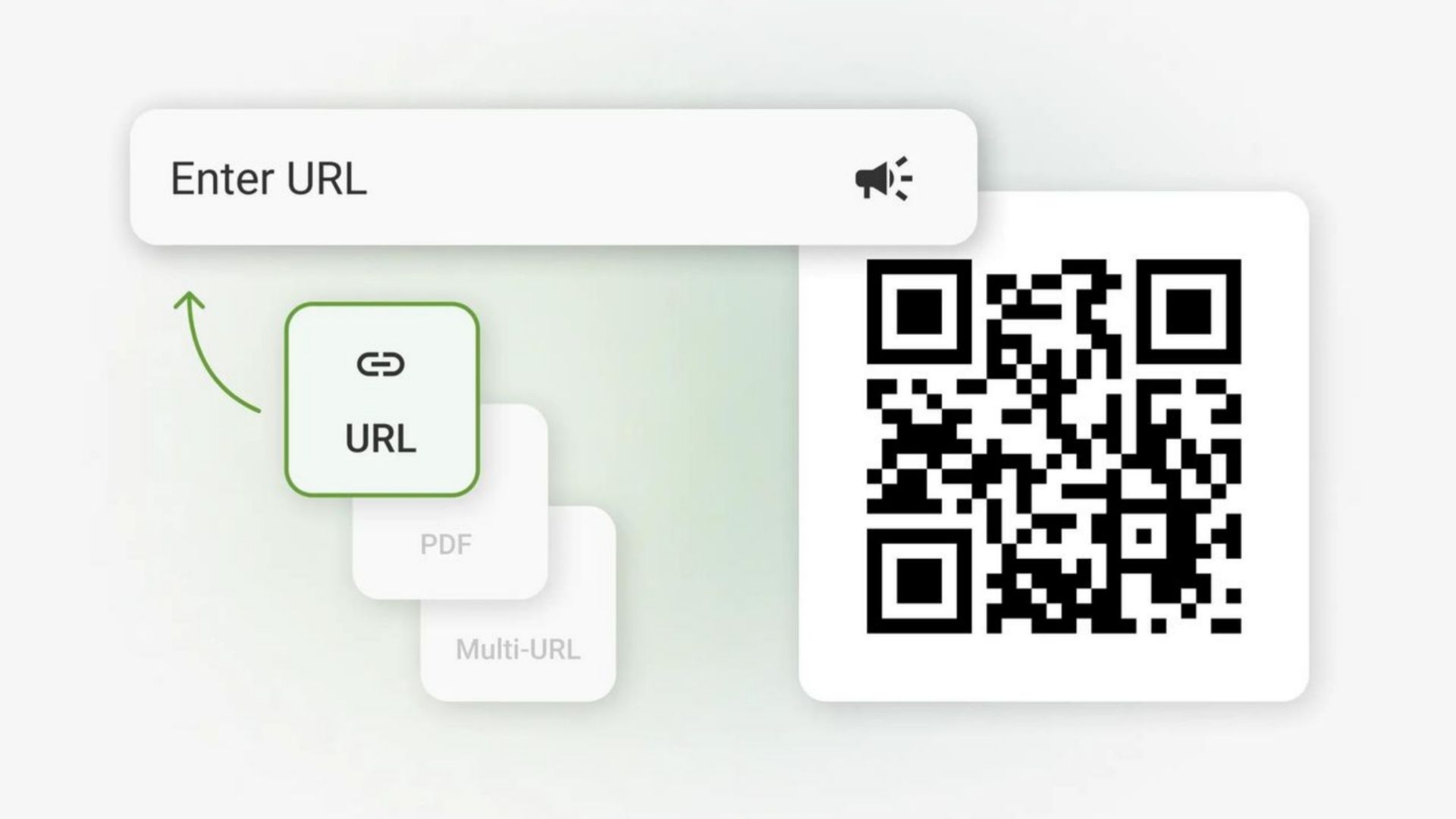
QRImager - Sharing a website link is usually as simple as copying a URL and sending it to someone. But what if the link is long, difficult to remember, or printed on a poster, menu, business card, or flyer?
That is where a Website QR Code can be useful.
A Website QR Code allows people to open a specific website or web page by scanning a QR code with their smartphone. Instead of manually typing a URL into a browser, users can simply point their camera at the code and follow the link.
This simple technology has become a practical way for businesses, creators, organizations, and individuals to connect printed materials with online content.
What Is a Website QR Code?
A Website QR Code is a QR code that stores a website URL.
For example, you could create a QR code that directs visitors to your homepage, online store, product page, portfolio, social media profile, booking page, or any other publicly accessible URL.
Once someone scans the code, their phone can recognize the website address and provide an option to open it in a web browser.
The process is straightforward:
Create the QR code → Print or share it → Scan it → Open the website
Unlike manually typing a long web address, scanning can make the process faster and more convenient.
How Does a Website QR Code Work?
QR codes use a pattern of black and white squares to store information. A QR scanner or smartphone camera reads this pattern and converts it into usable data.
For a Website QR Code, the stored information is generally a URL.
Imagine you have a website address like:
https://www.example.com/products/summer-collection
Instead of asking customers to type that entire address, you can place the URL inside a QR code. Customers can then scan the code and access the page directly.
Modern smartphones generally have built-in QR scanning capabilities, so users often do not need to install a separate QR code application.
Why Use a Website QR Code?
There are several practical reasons to use a Website QR Code.
1. Easier Access to Websites
Typing a URL on a smartphone can be inconvenient, especially when the address is long.
A QR code provides a simpler alternative. Users can scan the code and access the website without manually entering the complete URL.
2. Useful for Printed Materials
QR codes are particularly helpful when combining offline and online marketing.
You can place a Website QR Code on:
-
Business cards
-
Flyers
-
Posters
-
Brochures
-
Product packaging
-
Restaurant menus
-
Event tickets
-
Store displays
-
Printed advertisements
-
Signage
Someone looking at the printed material can scan the code and continue their experience online.
3. Convenient for Customers
A QR code can reduce the number of steps required to reach a website.
For example, a restaurant could place a QR code on a table that opens its online menu. A retailer could use one to send customers to a product page. An event organizer could link attendees directly to registration information.
The goal is simple: make useful information easier to access.
4. Connect Offline and Online Content
Businesses often communicate with customers through both physical and digital channels.
A Website QR Code creates a bridge between the two.
A customer might see a poster in a physical location, scan the QR code, and continue reading information on the company's website.
This can be especially useful when the printed material has limited space.
How to Create a Website QR Code
Creating a QR code for a website does not have to be complicated.
Most QR code generators follow a similar process.
Step 1: Choose the Website URL
First, decide which website or web page you want people to visit.
It could be your homepage, a specific product, a contact page, an online menu, or another relevant page.
Make sure the URL is correct before creating the QR code.
Step 2: Enter the URL
Open a QR code generator that supports website URLs.
Enter your website address into the URL or website field.
Double-check the address because even a small mistake can cause the QR code to direct visitors to the wrong destination.
Step 3: Generate the QR Code
After entering the URL, select the option to create or generate the QR code.
The generator will convert the website address into a QR code pattern.
Depending on the tool, you may also be able to customize its appearance.
Step 4: Customize the Design
Some QR code generators allow you to adjust elements such as:
-
Colors
-
Shape
-
Size
-
Logo
-
Frame
-
Background
-
Error correction level
Customization can help the QR code match your brand identity.
However, readability should always come first. A visually attractive QR code is not useful if smartphones cannot scan it reliably.
Step 5: Test the QR Code
Before printing or publishing the QR code, scan it using a smartphone.
Confirm that it opens the correct website and that the page works properly on mobile devices.
Testing is an important step, particularly when creating QR codes for printed materials that may be difficult or expensive to replace.
Static vs. Dynamic Website QR Codes
When creating a Website QR Code, you may come across the terms static QR code and dynamic QR code.
A static QR code stores the destination information directly in the code. Once it has been created and printed, changing the destination generally requires creating a new QR code.
A dynamic QR code works differently. It can use an intermediate URL that allows the destination to be changed later, depending on the service being used.
Dynamic QR codes may also provide additional features such as scan analytics, campaign management, or device-based redirection.
The right option depends on your needs.
For a simple personal website or permanent page, a static QR code may be sufficient. For marketing campaigns where destinations or tracking requirements may change, a dynamic solution can be more flexible.
Where Can You Use a Website QR Code?
Website QR codes can be used in many everyday situations.
Business Cards
A business card has limited space. Instead of filling it with a long website address, you can add a QR code that directs people to your website or online profile.
Restaurant Menus
Restaurants can use QR codes to provide customers with digital menus, ordering pages, reservation forms, or information about special offers.
Product Packaging
A product package can include a QR code that sends customers to product instructions, warranty information, tutorials, or additional details.
Events
Event organizers can use QR codes to direct visitors to registration pages, schedules, venue information, speaker profiles, or event websites.
Posters and Flyers
A printed advertisement can encourage people to scan a QR code to learn more about a promotion or visit a landing page.
Retail Stores
Physical stores can connect customers to online catalogs, product information, loyalty programs, or their online shop.
Tips for Creating an Effective Website QR Code
Creating the code is only part of the process. You also need to make sure people can actually scan it.
Keep Enough Contrast
The QR code should have clear contrast between the code pattern and its background.
A traditional dark code on a light background is often easy for smartphone cameras to recognize.
Avoid Making It Too Small
If a QR code is printed too small, scanning may become difficult.
The ideal size depends on the distance from which people will scan it. A QR code on a small business card can be smaller than one placed on a large poster.
Leave Some Empty Space Around It
QR codes need a clear area around their edges. Avoid placing text, graphics, or other elements too close to the code.
This empty area helps scanning systems distinguish the QR code from its surroundings.
Test Before Publishing
Always test the final version.
If the QR code is going on a poster, test the actual printed version rather than only testing the digital file on your computer.
Make the Destination Mobile-Friendly
Most QR code scans happen on smartphones. Therefore, the website behind the QR code should work well on smaller screens.
A QR code may successfully open a website, but a poor mobile experience can still make the process frustrating.
Can You Put a Logo in a Website QR Code?
Yes, some QR code generators allow users to add a logo or other branding elements.
A logo can make the QR code look more consistent with a company's visual identity. However, the design should not interfere with the code's ability to be scanned.
When adding a logo, it is a good idea to scan the finished code from different devices before using it publicly.
The same principle applies to changing colors, shapes, and other design elements: customization should not come at the expense of readability.
Are Website QR Codes Safe?
A QR code itself is simply a way of encoding information. However, the website behind a QR code can be safe or unsafe depending on its destination.
For this reason, users should be cautious when scanning unfamiliar QR codes.
Before entering passwords, payment information, or other sensitive data, check the website address and make sure you recognize the domain.
Businesses should also make sure that their QR codes lead to legitimate, secure, and maintained websites.
Using HTTPS is another important part of maintaining a trustworthy website.
Do Website QR Codes Expire?
A basic static Website QR Code does not normally have an automatic expiration date.
If the QR code contains a URL and the destination remains available, the code can continue to be scanned.
However, the website itself can become unavailable. A page may be deleted, a domain may expire, or the URL structure may change.
Dynamic QR codes can work differently because their destination may be managed through a QR code service.
Therefore, if you use a QR code for printed materials that will remain in circulation for a long time, make sure the destination URL will continue to work.
Website QR Codes for Marketing
QR codes can be a useful addition to a broader marketing strategy.
For example, a clothing store could place a QR code next to a product display that opens an online product page. A customer can scan it to see available sizes, colors, specifications, or related products.
Similarly, a local business could place a QR code on printed advertisements that directs visitors to its website.
The important thing is to give users a clear reason to scan.
Instead of simply writing "Scan Here," consider explaining what the visitor will get, such as:
"Scan to view the full menu"
"Scan to see product details"
"Scan to book an appointment"
Clear instructions can make the purpose of the QR code immediately understandable.
Final Thoughts
A Website QR Code is a simple tool for connecting people with online information. It can make website addresses easier to access and can be especially useful when your audience is interacting with printed materials.
Whether you are a small business owner, content creator, event organizer, restaurant, retailer, or simply someone who wants to share a website more conveniently, a QR code can provide a practical bridge between the physical and digital world.
The best QR code is not necessarily the most complicated one. It is one that works reliably, leads to useful content, and gives users a clear reason to scan it.
Before sharing your QR code, remember to check the destination URL, test the code on a smartphone, and make sure the linked website provides a good mobile experience.
