
Free Online Tools: Useful Tools You Can Use in Your Browser
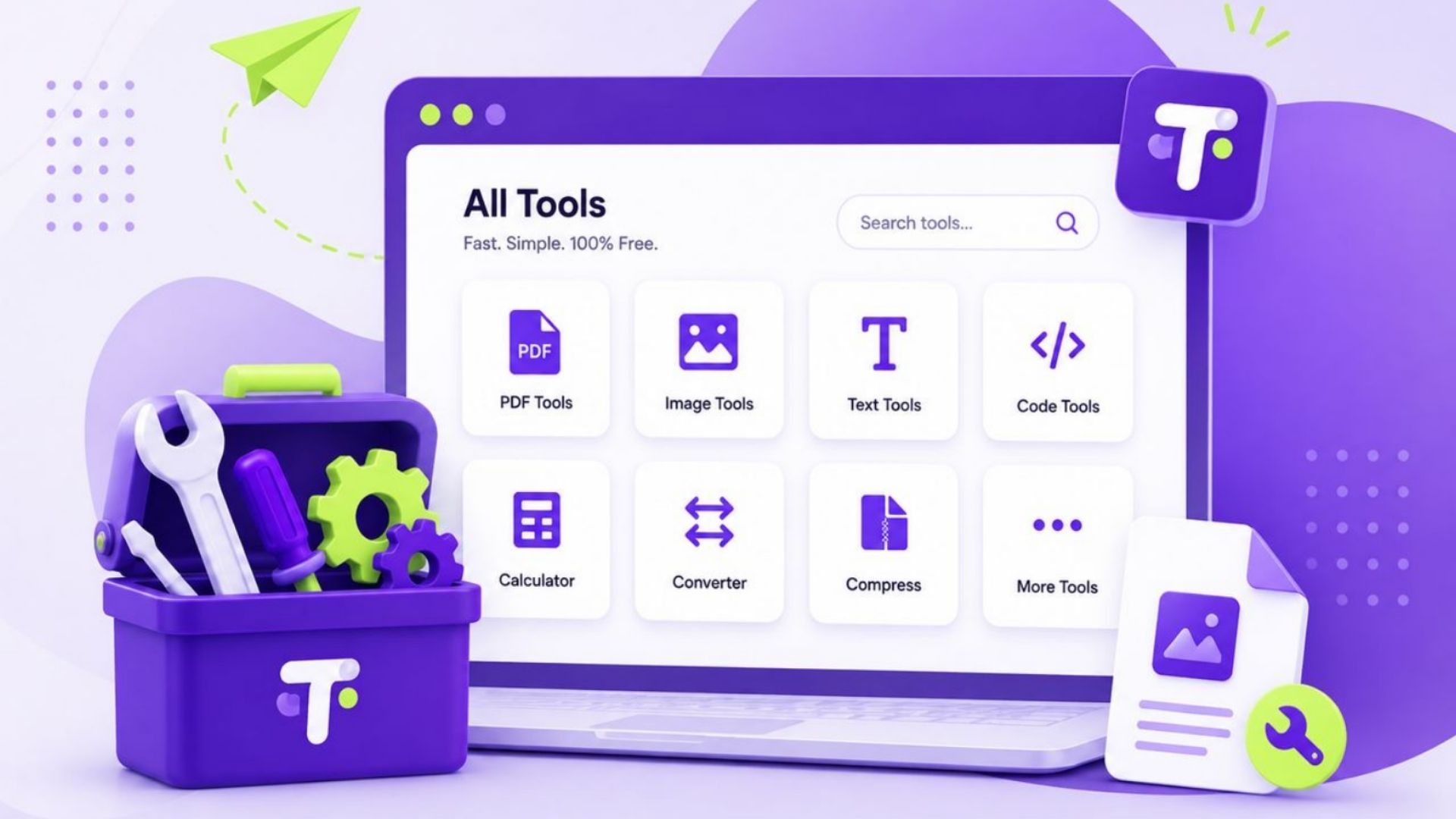
QRImager - You do not always need to install software to get something done online.
Whether you want to resize an image, create a QR code, convert a file, calculate a number, or prepare content for a project, there are many free online tools that can help. Most of them work directly in a web browser, making them convenient for everyday tasks.
For many people, the biggest advantage is simplicity. You can open a website, use the tool, and finish your task without installing a large application or learning complicated software.
What Are Free Online Tools?
Free online tools are web-based utilities that allow users to complete specific tasks through a browser without necessarily paying for access.
These tools can cover a wide range of purposes, including:
-
Image editing and conversion
-
QR code generation
-
File conversion
-
Calculations
-
Text formatting
-
Productivity
-
SEO
-
Writing assistance
-
PDF utilities
-
Website-related tasks
Some tools are completely free, while others may offer a free version alongside optional premium features.
The exact features and limitations depend on the service.
Why Are Online Tools Useful?
Online tools can make small tasks much easier.
Imagine that you only need to convert one image from PNG to JPG. Installing a full image editing application just for that one task may not be necessary.
An online converter can often handle the job in a few simple steps.
The same idea applies to many other everyday tasks. If you only need a specific function occasionally, a browser-based tool can be a convenient solution.
Benefits of Using Free Online Tools
1. No Installation Required
One of the biggest advantages is that many online tools work directly in your browser.
You can use them from a desktop computer, laptop, tablet, or smartphone without downloading traditional software.
This can be particularly useful when you are working from a computer that you do not regularly use.
2. Easy to Access
Online tools are generally available through a website.
Instead of searching through installed applications, you can simply open the tool you need and start working.
This makes browser-based utilities useful for quick tasks.
3. Useful for Occasional Tasks
Not everyone needs professional software every day.
If you only need to perform a particular task once in a while, a free online tool may be enough.
For example, someone who rarely works with images may only need a simple image resizer or converter occasionally.
4. Works Across Different Devices
Many web-based tools are designed to work across multiple devices.
You can often use the same tool on Windows, macOS, Linux, Android, or iOS as long as the browser and website are supported.
This flexibility can make online tools convenient for people who work across different devices.
5. Saves Time
A good online tool focuses on a specific task.
Instead of opening a large application and searching through multiple menus, you can often enter your information, select a few options, and get the result.
For simple tasks, that can save a considerable amount of time.
Popular Types of Free Online Tools
There are many categories of online tools available today.
Image Tools
Image tools are among the most commonly used browser-based utilities.
They can help with tasks such as:
-
Resizing images
-
Compressing images
-
Converting image formats
-
Cropping images
-
Changing image dimensions
-
Converting JPG, PNG, and WebP files
These tools can be useful for bloggers, website owners, students, designers, and social media users.
QR Code Tools
QR code generators allow users to create QR codes for different types of information.
Depending on the tool, you may be able to create codes for:
-
Websites
-
Text
-
Email addresses
-
Phone numbers
-
Wi-Fi networks
-
Social media profiles
A website QR code, for example, can make it easier for people to access a URL using their smartphone.
File Conversion Tools
Different applications and platforms often require different file formats.
Online converters can help users transform files from one format to another.
Common examples include image, document, audio, and other file conversion tools.
However, users should always check the privacy policy of a service before uploading sensitive or confidential files.
Calculator Tools
Online calculators can make everyday calculations quicker.
There are general calculators as well as specialized tools for areas such as:
-
Percentages
-
Discounts
-
Loans
-
Age
-
Date calculations
-
Unit conversions
-
Finance
-
Health and fitness calculations
For straightforward calculations, a dedicated online calculator can be more convenient than doing everything manually.
Text Tools
Text utilities can help with repetitive writing and formatting tasks.
Examples include:
-
Word counters
-
Character counters
-
Case converters
-
Text cleaners
-
Duplicate text checkers
-
Lorem ipsum generators
These tools can be useful for writers, students, developers, content creators, and website owners.
PDF Tools
PDF utilities can help users handle common document tasks.
Depending on the service, you may find tools for:
-
Merging PDF files
-
Splitting PDFs
-
Compressing PDFs
-
Converting documents
-
Rotating pages
-
Extracting pages
When working with private documents, however, it is important to understand how an online service handles uploaded files.
How to Choose a Free Online Tool
There are many tools available, so choosing one should not be based on the word "free" alone.
Consider a few important factors before using a service.
Check the Features
Make sure the tool actually supports the task you need.
A simple tool with fewer features can sometimes be better than a complicated platform filled with functions you will never use.
Look at Ease of Use
A good online tool should make the task relatively straightforward.
Clear buttons, understandable instructions, and a clean interface can make a significant difference.
Consider Privacy
Privacy is particularly important when a tool requires you to upload a file or enter personal information.
Before using an unfamiliar service, check what information it collects and how uploaded files are handled.
Avoid uploading sensitive documents unless you understand the service's policies and trust the provider.
Check Output Quality
For converters and processing tools, the final result matters.
For example, an image compressor should reduce file size without unnecessarily damaging image quality. A document converter should preserve the important content and formatting as much as possible.
Check File Size Limits
Some free tools place limits on upload size, number of files, or daily usage.
If you are working with a large file or many files, check these limitations before starting.
Are Free Online Tools Really Free?
The answer depends on the service.
Some online tools are completely free. Others use a freemium model, where basic features are available at no cost while advanced features require a subscription.
A free tool may also have other limitations, such as:
-
Advertisements
-
Daily usage limits
-
File size restrictions
-
Limited customization
-
Fewer export options
-
Account requirements
None of these necessarily make a tool unsuitable. What matters is whether the available features are sufficient for your particular task.
Are Free Online Tools Safe to Use?
Many online tools are useful and legitimate, but users should still be careful.
Before using a service, consider whether the website uses HTTPS, provides clear information about the company or service, and explains how user data is handled.
Be especially careful with websites that ask for unnecessary personal information or require sensitive files.
For confidential documents, local software may sometimes be a better option because the files can remain on your own device.
Tips for Using Online Tools Safely
A few simple habits can make your experience safer.
Use trusted websites.
Choose tools from reputable services and avoid suspicious websites.
Read the privacy information.
If you are uploading files, understand how the service handles them.
Avoid sensitive information when unnecessary.
Do not enter passwords, financial information, or private documents into a tool unless there is a legitimate reason and you trust the provider.
Check downloaded files.
Be careful when downloading files from unfamiliar websites.
Keep your browser updated.
Using an up-to-date browser provides important security improvements.
Free Online Tools for Work and Study
Online utilities can be useful for both professional and educational tasks.
A student might use a calculator, word counter, PDF utility, or image converter while preparing an assignment.
A freelancer might use image compression, QR code generation, or file conversion tools while working with clients.
A website owner might use SEO utilities, image tools, text tools, and other browser-based resources as part of their daily workflow.
The key benefit is that these tools can handle small tasks without requiring a large software setup.
How to Get More Value From Online Tools
Instead of searching for a complicated solution, start by identifying the exact task you want to complete.
For example, instead of searching for "the best software for images," you might need something more specific, such as an image compressor or JPG converter.
A specific tool is often easier to understand and faster to use.
It can also help to keep a small list of reliable tools that you use regularly. This saves you from searching for a new service every time you have a simple task.
Final Thoughts
Free online tools can be surprisingly useful for everyday digital tasks.
From image conversion and QR code creation to calculators, PDF utilities, and text tools, browser-based services can help you complete specific jobs quickly without installing traditional software.
However, free does not automatically mean suitable for every situation. Consider the tool's features, privacy practices, limitations, and output quality before using it.
For simple and non-sensitive tasks, a reliable online tool can be a convenient addition to your everyday workflow.
The best tool is usually not the one with the most features. It is the one that makes your particular task easier, faster, and more convenient.
